Category: gaming
Dragon Quest VII Reimagined
Set sail on an adventure spanning past and present in DRAGON QUEST VII Reimagined! As a bright-eyed young fisherman’s son, you’ve lived your entire life on the peaceful island of Estard. Your journey begins with a simple question: is there more to the world than this small island kingdom? On a quest for answers, you and your childhood friends discover the Shrine of Mysteries and are swept back in time. There, you uncover the shocking truth that entire lands have been sealed away by a malevolent force. The fate of the world now rests in your hands. DRAGON QUEST VII Reimagined brings a timeless classic to life in a whole new way with charming diorama visuals, updated gameplay mechanics, and a streamlined story,. For seasoned adventurers, rediscover a tale of plucky companions that is brimming with joy and heartbreak. For fledgling heroes new to the series, this is a great place to begin your DRAGON QUEST journey. A Diorama Brought to Life DRAGON QUEST VII Reimagined blends a beautiful diorama art style with Akira Toriyama’s iconic character designs to make every encounter feel vibrant, heartfelt, and full of adventure. From lush forests and bustling towns to ancient ruins and whimsical monsters, every environment is bursting with color and personality. Travel through History to Restore the Present Scattered stone fragments unlock portals to long-lost eras with their own challenges to solve. Restore the islands, solve mysteries, and make allies in the past to breathe life back into the present. A Beloved Tale with a Streamlined Narrative DRAGON QUEST VII Reimagined is told through a series of vignettes with an overarching narrative. The main story has also been streamlined to make the journey more accessible to all players. Classic Combat, Improved! The battle system in DRAGON QUEST VII Reimagined has undergone significant changes. Turn the tides of battle with new vocational perks. Each vocation has its own unique ability, from all-out attacks to those that support your allies. Battle speed adjustments and an auto-battle feature are also available. Battles can progress without interruptions between each turn, depending on the tactics selected for the protagonist and allies. While on the field, players can pre-emptively strike monsters and instantly defeat them If the monster is weaker than the party. Moonlight and Level Up Two Vocations at the Same Time! Customize your playstyle with the new Moonlighting mechanic. Having two vocations assigned at once provides access to the skills, magic spells, and unique perks from both.
The Courier
The Courier is an open world game about running a mail delivery business on a mysterious island. The more letters you deliver, the more you uncover the island’s secrets. Explore a vibrant living world, make use of various vehicles to travel around, do tons of challenges, and complete a compelling and mysterious main storyline. Unravel the dark secrets of the island of Orda. Explore a huge world by boat or by foot, and deliver the mail!

Beast of Reincarnation tells the story of Emma & Koo in Summer 2026
Beast of Reincarnation tells the story of Emma & Koo in Summer 2026

Twisted Pixel & Sanzaru Games shutting down amid Meta Reality Labs layoffs
Twisted Pixel had just launched Marvel’s Deadpool VR in November 2025 while Sanzaru Games developed the Asgard’s Wrath series.

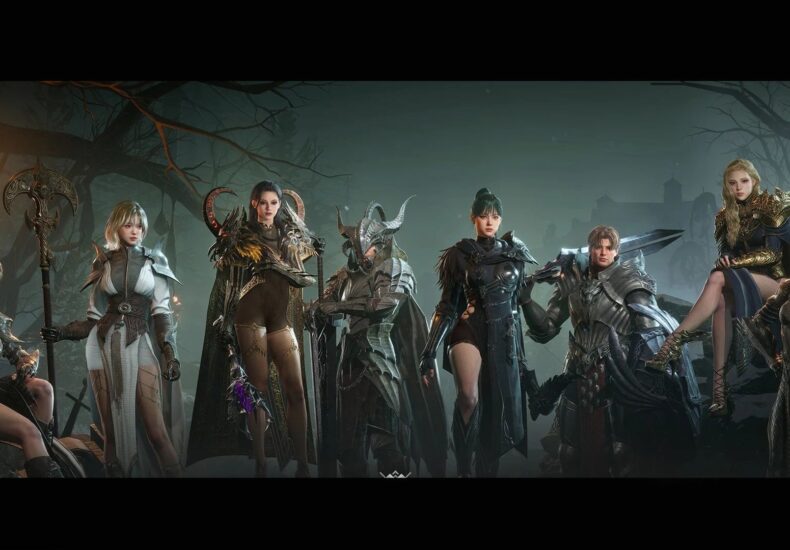
Raven 2 tier list: Best classes ranked
Netmarble’s next-generation MMORPG Raven 2 brings back the grand nature of the previous installation with stunning cinematic visuals, a stellar roster of classes to explore, and real-time combat.
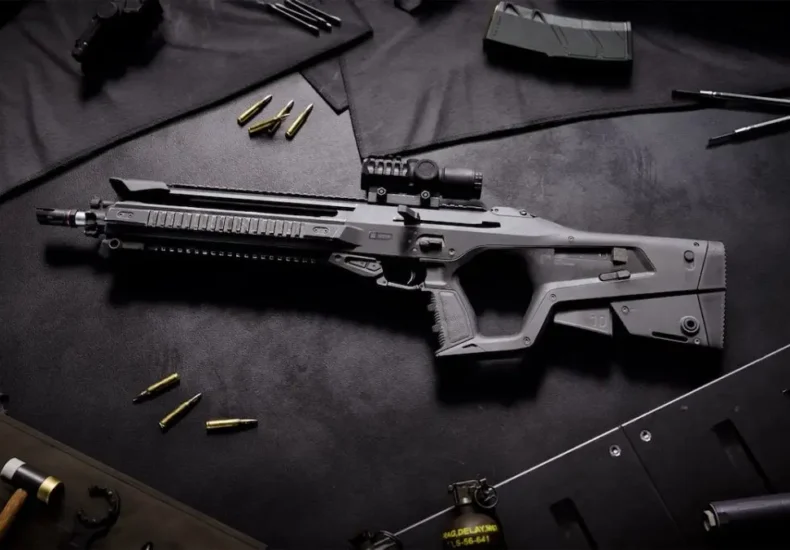
All Battlefield REDSEC weapons and how to unlock them
Battlefield REDSEC includes every weapon available with the base game, and there’s plenty to unlock. While REDSEC is available to all for free, owning Battlefield 6 makes it easier to unlock all the weapons. Since there’s shared progression, all the weapons you unlocked in Battlefield 6 will be automatically available in REDSEC. However, worry not if you’re new, and this guide will provide you with all the information required to unlock every gun available in the battle royale mode. How to unlock all weapons in Battlefield REDSEC The table below has all the necessary information. Most of the weapons are unlocked as you level up by gaining XP. There are certain tricks and tips to get XP fast in REDSEC, and that’s going to make your life easier. However, some weapons have different unlock conditions that could require a fair amount of time. 6 Marksman Rifles Rank 33 SVDM Marksman Rifles Complete Deadye 1 Assignment M2010 ESR Sniper Rifles Unlocked at the start by default SV-98 Sniper Rifles Rank 26 PSR Sniper Rifles Complete Deadye 2 Assignment Mini Scout Sniper Rifles Tier 21 of Soldiers of Fortune Battle Pass M87A1 Shotguns Unlocked at the start by default M1014 Shotguns Rank 42 18. 5KS-K Shotguns Complete Point Black 2 Assignment P18 Handguns Unlocked at the start by default ES 5. 7 Handguns Rank 24 M45AA1 Handguns Rank 39 M44 Handguns Rank 48 GGH-22 Handguns Tier 5 of the Recruit Battle Pass Like our content? Set Destructoid as a Preferred Source on Google in just one step to ensure you see us more frequently in your Google searches! The post All Battlefield REDSEC weapons and how to unlock them appeared first on Destructoid.
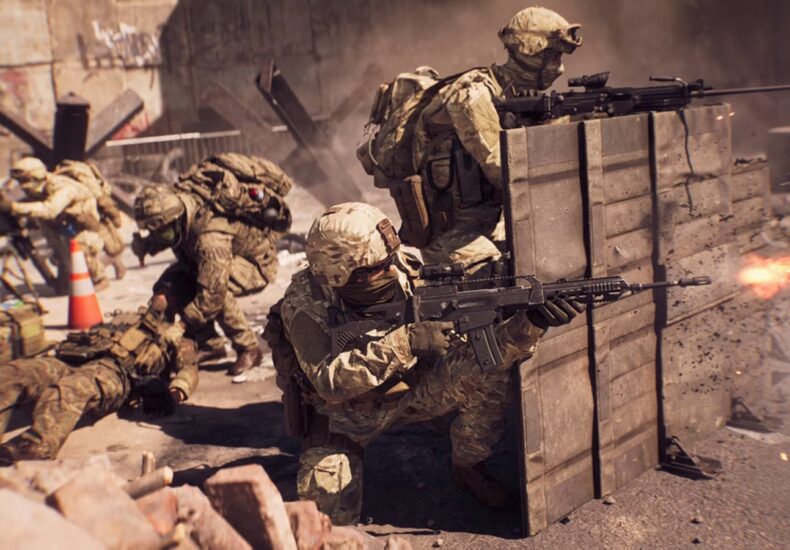

Battlefield 6 & its RedSec battle royale will share career & battle pass progression
Though Battlefield 6 and RedSec are separate experiences, they feature cross progression on weapon unlocks, battle pass progress and more.
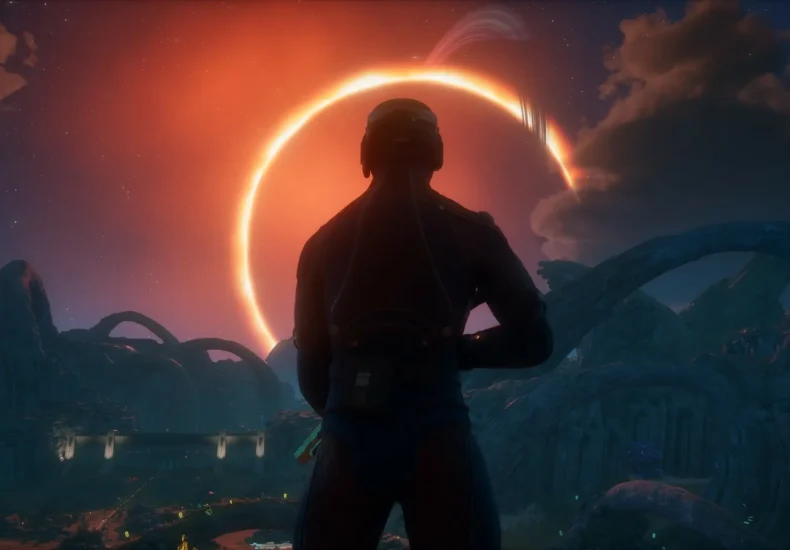
All The Outer Worlds 2 PC and controller keybinds
The Outer Worlds 2 is available on PC and consoles, and you can choose to either use your keyboard/mouse combo or switch to a controller. PC players can use both methods as long as they have a controller that’s identified by the game. If you’re on a console, you’ll be limited to a controller that works with your system. With new controls in the mix, here’s a list of all applicable keybinds in The Outer Worlds 2. Table of contents All The Outer Worlds 2 keyboard/mouse controls All The Outer Worlds 2 controller keybinds All The Outer Worlds 2 keyboard/mouse controls The table below has a list of all the controls as applicable for PC if you’re rolling with a keyboard/mouse. Control Input Walk Forward W Walk Backward S Strafe Left A Strafe Right D Look Mouse Jump Space Sprint Shift Auto-Sprint Toggle Caps Lock Crouch/Sneak Ctrl Use/Interact E Interact (Secondary) F Reload R Holster R (Hold) Attack LMB Power Attack LMB (Hold) Quick Melee T Inhaler Z Toggle Gadget Activation Q Throw (Hold to Aim) G Companion 1 Special Ability C Companion 2 Special Ability V Weapon 1 1 Weapon 2 2 Weapon 3 3 Weapon 4 4 Next Weapon Mouse Wheel Down Previous Weapon Mouse Wheel Up Next Gadget X Next Throwable 5 Equipment Radial Mouse Wheel Toggle Flashlight L Quick Save F5 Quick Load F9 Perspective U Use Alternative Shoulder H View Ledger Tab View Inventory I View Character Menu K View Journal J View Companion Menu View Map M Pause Esc Stop Recording Y Scroll/Navigate Up Mouse Wheel Up Scroll/Navigate Down Mouse Wheel Down Skip Space All The Outer Worlds 2 controller keybinds Here are all the default keybinds to note down if you’re playing using a controller. Input Xbox PlayStation Aim/Block LT L2 Activated Gadget LB L1 Attack RT R2 Overcharge/Power Attack RT (Hold) R2 (Hold) Throw (Hold to Aim) RB R1 Jump A X Crouch /Sneak B Circle Reload/Talk/Interact X Square Weapon Holstering X (Hold) Square (Hold) Next Weapon Y Triangle Change Equipment Y (Hold) Triangle (Hold) View Ledger Menu button Nav button Perspective Menu button (Hold) Nav button (Hold) Pause Pause button Options Toggle Flashlight D-pad up D-pad up Use Alternate Shoulder D-pad up (Hold) D-pad up (Hold) Companion 1 Ability D-pad left D-pad left Companion 2 Ability D-pad right D-pad right Use Medical Inhaler D-pad down D-pad down Move LS LS Sprint LS (Hold) LS (Hold) Look RS RS Quick Melee RS (Hold) RS (Hold) Like our content? Set Destructoid as a Preferred Source on Google in just one step to ensure you see us more frequently in your Google searches! The post All The Outer Worlds 2 PC and controller keybinds appeared first on Destructoid.
 The New York Times
- Desi Lydic Wants Trump to Take a Hint About the Ballroom 2026 年 4 月 2 日 Trish Bendix
- China’s Aiming for the Moon, and NASA Is Looking Over Its Shoulder 2026 年 4 月 2 日 Selam Gebrekidan and Joy Dong
- The Only Thing Trump Is Missing in Cuba Is a Plan 2026 年 4 月 2 日 Ricardo Zúniga
- Artemis II Completes First Day of Its NASA Lunar Mission 2026 年 4 月 2 日 Kenneth Chang
- The Artemis II Toilet Had a Problem 2026 年 4 月 2 日 Katrina Miller
- Iran War Showcases Strength of South Korean Defense Sector 2026 年 4 月 2 日 Aaron Krolik and Farah Stockman
- Texas Man Charged With Manslaughter in Connection With Cold Case 2026 年 4 月 2 日 Pooja Salhotra
- 5 Takeaways From Trump’s Address on Iran 2026 年 4 月 2 日 Luke Broadwater and Tyler Pager
- Trump Initially Laid Out Five Goals for the Iran War. Here’s Where They Stand. 2026 年 4 月 2 日 Edward Wong
- Judge Finds Border Officials Violated Previous Order on Warrantless Arrests 2026 年 4 月 2 日 Zach Montague